

Run your
simulator 24/7. Without hiring more staff.
Every booking comes with a time-gated unlock link or PIN, sent by text or email. Birdie works with Kisi, PDK, UniFi Access, Avigilon Alta and RemoteLock.

The short answer.
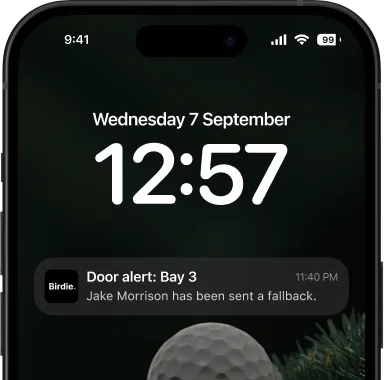
Birdie connects your smart lock to your bookings. When a customer books a bay, they receive an unlock link or PIN that works only around their session. If the door does not confirm it opened, the customer sees a fallback and you get an alert. Staffed or fully unattended, the door follows the calendar.
- Five smart-lock brands
- No app to download
- Time-gated access
- Fallback and owner alerts

A whole night, nobody on site.
This is what an unattended late-night booking looks like from the customer's side and from yours.



- 01
Booking made
A customer books Bay 2 for 11:50 PM from their phone and pays at checkout.
- 02
Link sent
The unlock link or PIN arrives by text or email with the confirmation.
- 03
Window opens
The link starts working shortly before the session. You set how early.
- 04
Door opens
They tap the link and walk in. If the door does not confirm it opened, they see a fallback and you get an alert.
- 05
Session starts
Bay Agent opens the simulator software and starts the session on the booked bay.
- 06
Out and back in
Grabbed something from the car? The same link opens the door again inside the window.
- 07
Ten minutes left
Bay Agent offers extra time in the bay, or they extend by text.
- 08
Window closes
The link stops working shortly after the session ends. Nobody had to be there.
You decide when the door opens.
The link works from shortly before the session until shortly after it ends. The window is set per venue. Try yours.


Five locks. One booking flow.
Birdie integrates seamlessly with the leading smart lock providers so your doors unlock automatically, no matter your hardware.
-

Kisi
Cloud access control that lets golf simulator customers in automatically.
See how it works with Kisi
-

PDK
ProDataKey smart-lock entry, unlocked by SMS during the booking window.
See how it works with PDK -

UniFi Access
Self-hosted UniFi Access door control, wired into every booking.
See how it works with UniFi Access -

RemoteLock
RemoteLock PIN and mobile credentials, auto-issued at booking.
See how it works with RemoteLock -

Avigilon Alta
Avigilon Alta access control with a single pre-signed link.
See how it works with Avigilon Alta
The door didn't open. You know first.
If the lock does not confirm it opened, the customer sees a fallback and you get an alert.
The bay runs itself once they're in.
A program on each simulator PC that connects the booking to the bay.
- Starts and ends sessions with the booking
- Opens the simulator software automatically
- Offers customers extra time near the end of a session
- Sends an alert if a bay goes offline
- Staff exit PIN

Owners who run on Birdie.
Customer stories. From unattended 24/7 clubs to full pub-and-kitchen venues — hear it from the owners.
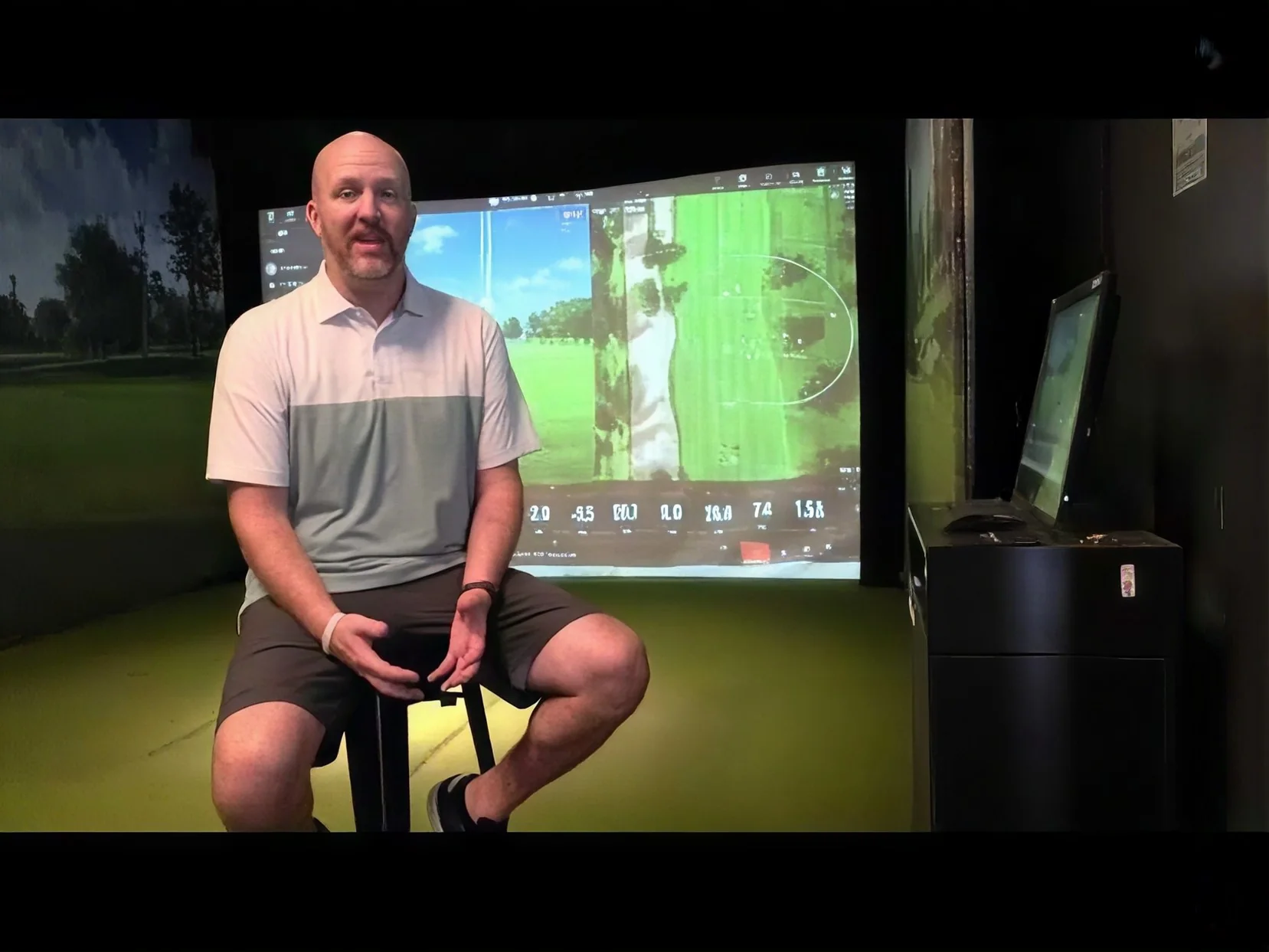
 Utah

Private Links Utah
Runs a fully unattended 24/7 members-only venue — bookings, memberships, and door access all handled automatically, with no full-time staff on site.
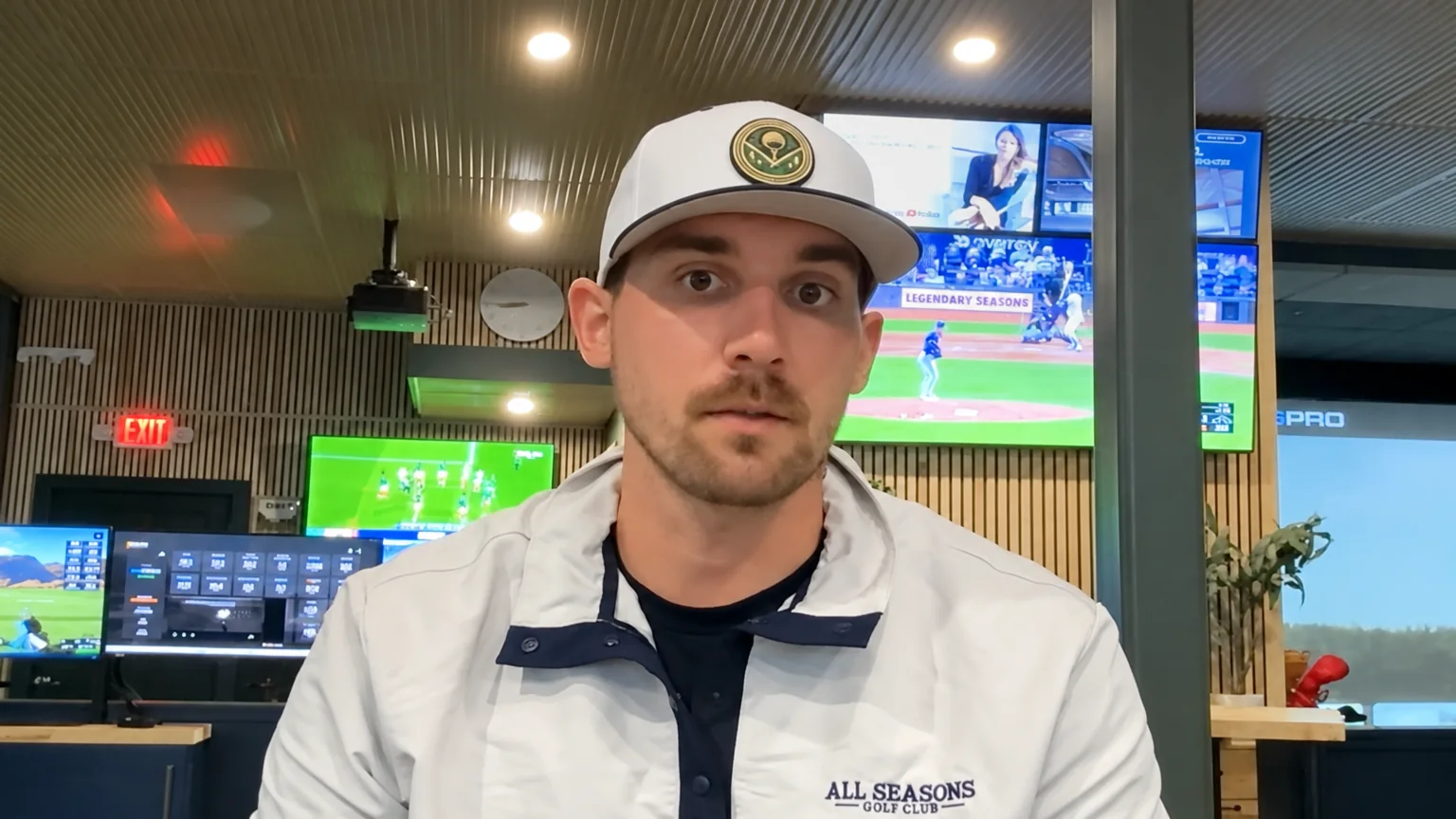 Kansas City, MO
All Seasons Indoor Golf
Runs one of Kansas City’s top indoor golf destinations on Birdie — bookings, memberships, marketing, and reporting, all on one platform.
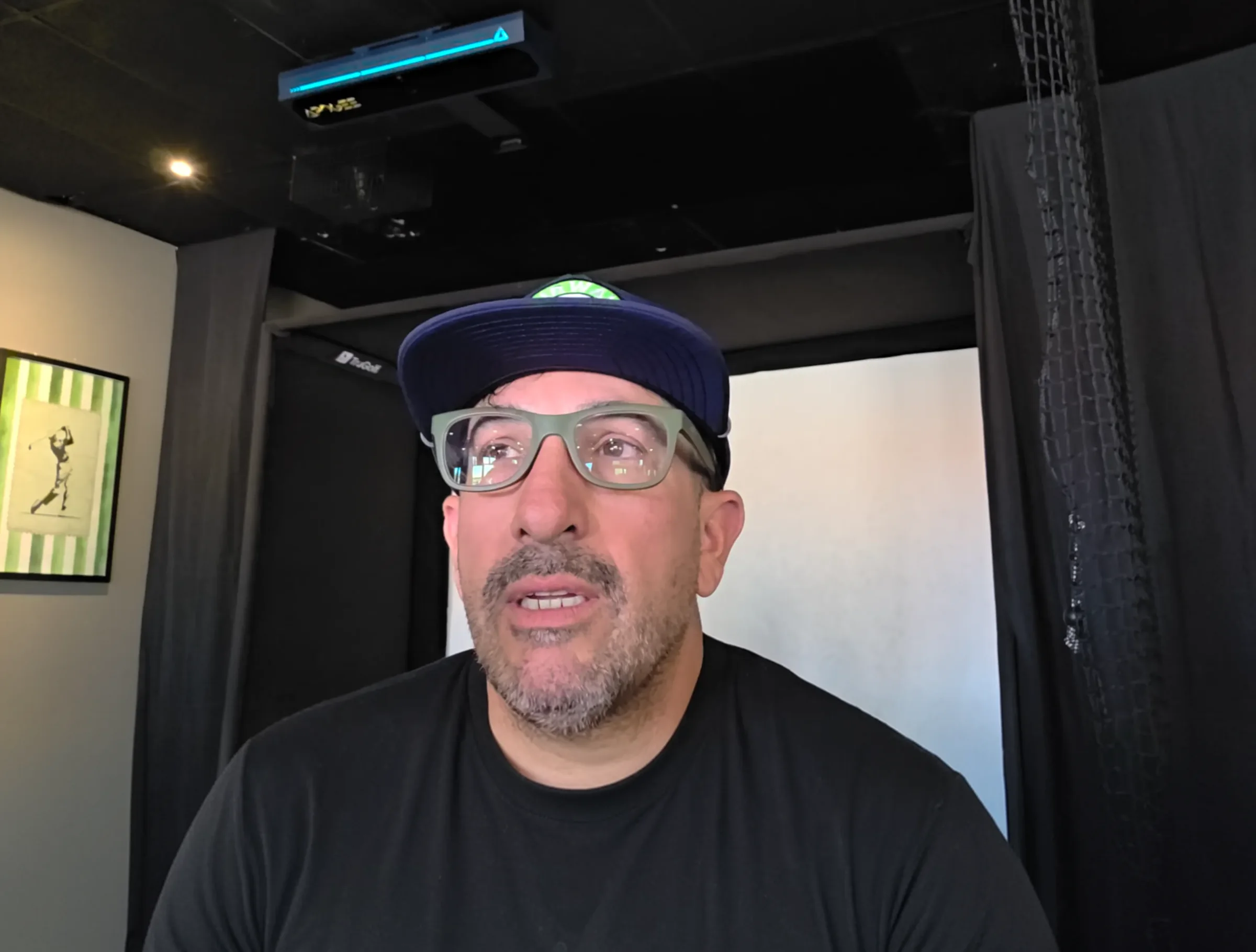 Lancaster, CA
Fairways Pub Grub & Indoor Golf
Runs a hybrid pub, kitchen, and indoor golf venue — managing bookings, memberships, leagues, and event packages all in one place.
 North Attleboro, MA
GoGolf Lounge
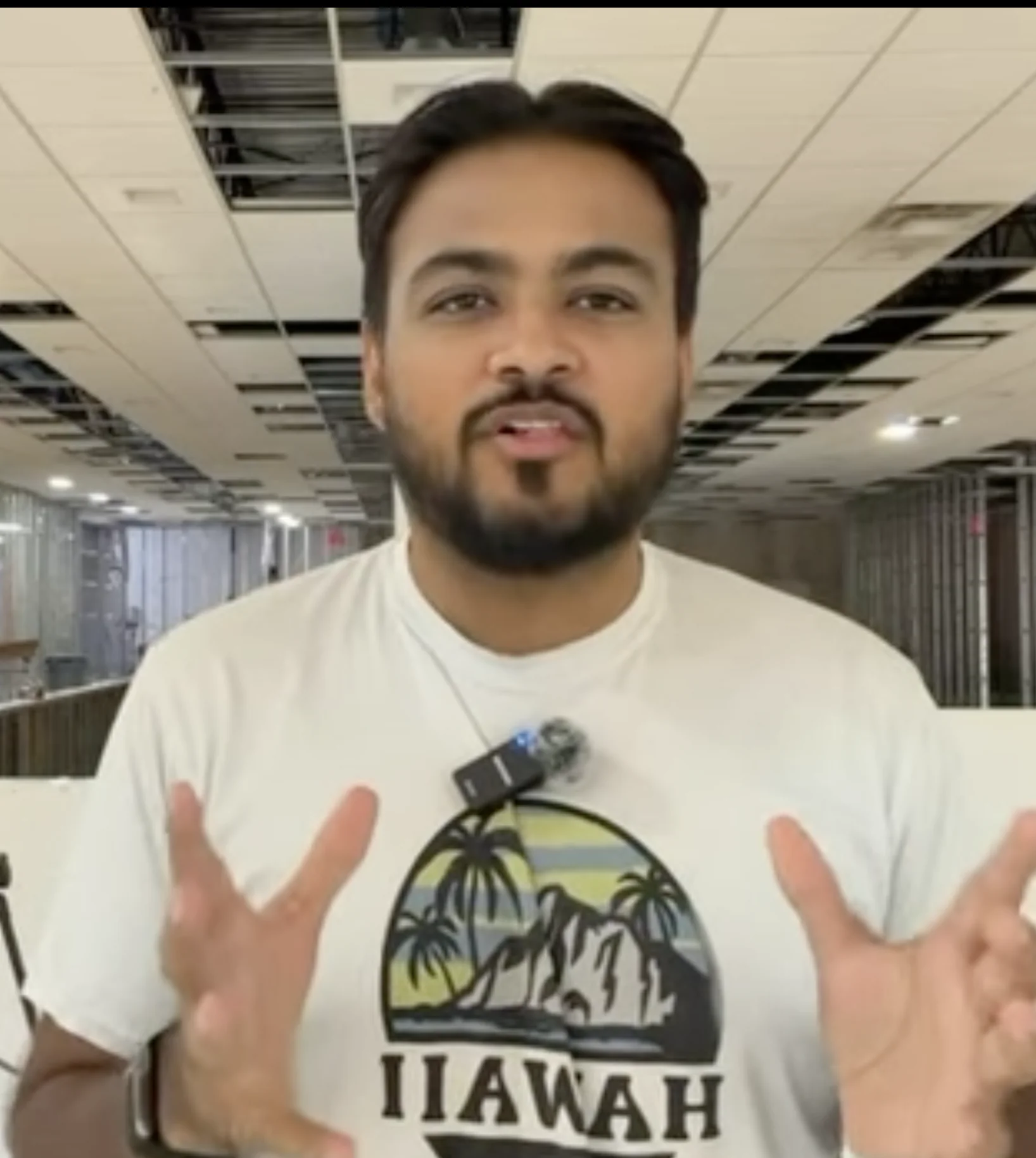
Deep is opening GoGolf Lounge, a new indoor golf simulator venue in North Attleboro. He shares his experience building the business on Birdie from onboarding through opening day.
Birdie at a glance.
The short version, for owners comparing booking systems.
Questions owners ask about door access.
How do customers get into the building?

Every booking comes with an unlock link or PIN, sent by text or email. It works only around the customer's session.
Which smart locks does Birdie work with?
Kisi, PDK, UniFi Access, Avigilon Alta (formerly Openpath) and RemoteLock. Each has its own integration page with setup steps.
Do customers need an app?
No. The unlock link opens from the text or email, so there is no app to download.
When does the unlock link work?
From shortly before the session until shortly after it ends. The window is set per venue.
What happens if the door does not open?
If the door does not confirm it opened, the customer sees a fallback and the owner gets an alert.
Can I run my venue with no staff on site?
Yes. The door follows the calendar, Bay Agent starts and ends sessions on each simulator PC, and you get an alert if a door does not open or a bay goes offline.
Does door access work with my simulator?
Yes. Birdie is the booking layer above your simulators and works with any simulator hardware or game software.
See the rest of Birdie.
Each part of the platform has its own page.


Open around the clock. Staff only when you want to.
Free walkthrough. We connect your lock, set your access window and install Bay Agent.
 Free walkthroughNo hard sales processWe handle setupLive in 24 hours